
WebApp Release V4.11.5 | 09 July 2026
The V4.11.5 update introduces two enhancements focused on order management efficiency and reporting visibility across the application.
With the new Automated Due Date feature, users can configure automatic due date calculation for orders, removing the need for manual entry and ensuring consistency across the order management process.
This release also enhances the Management Dashboard's pie chart, now covering all pipeline stages rather than only closed records, giving users a more complete view of distribution across the entire lifecycle.
Together, these updates reduce manual admin effort and give teams clearer, more actionable insight into their pipeline.
Key features
Automated Due Date Selection
Users can now configure an Automated Due Date under Order > Admin. By default, due dates are set to 7 days from the order creation date, so every new order is automatically assigned a due date without manual input.
This default can be customised while creating an order, users can set the due date duration in Days, Months, or Years via the Add Order form. Due dates can also still be adjusted manually at any time from the Add or Edit Order form.
Enhanced Management Dashboard Pie Chart
The Management Dashboard piechart previously showed only Closed Stage records. It now displays all stages, letting users see the count and distribution of records across each stage in one view, with the option to switch to list view for any card.
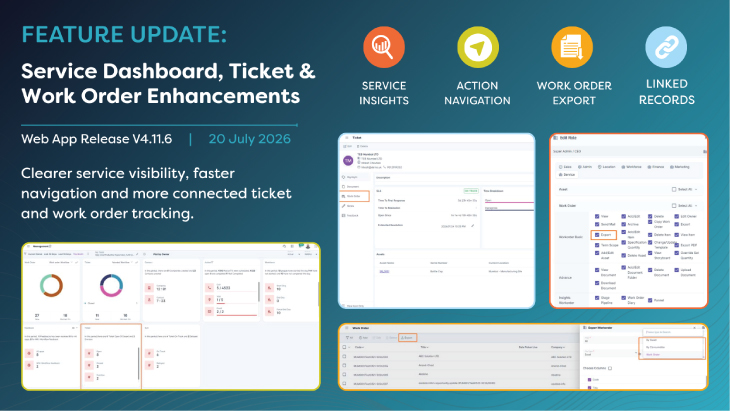
A new Ticket App card has also been added to the Management Dashboard, giving users quick access to ticket-related insights alongside their pipeline data.
Flexibility and Control
Automated Due Date configuration gives admins a consistent default while still allowing flexibility for individual orders. The enhanced pie chart and new Ticket App card give users amore complete, at-a-glance view of performance across stages and service activity.